azure - demo
MacOS
install azure functions tool
brew tap azure/functions
brew install azure-functions-core-tools@4
brew link --overwrite azure-functions-core-tools@4
Install az cli
# Mac
# https://learn.microsoft.com/zh-tw/cli/azure/install-azure-cli-macos
brew update && brew install azure-cli

# Windows
# https://learn.microsoft.com/zh-tw/cli/azure/install-azure-cli-windows?tabs=winget
winget install -e --id Microsoft.AzureCLI

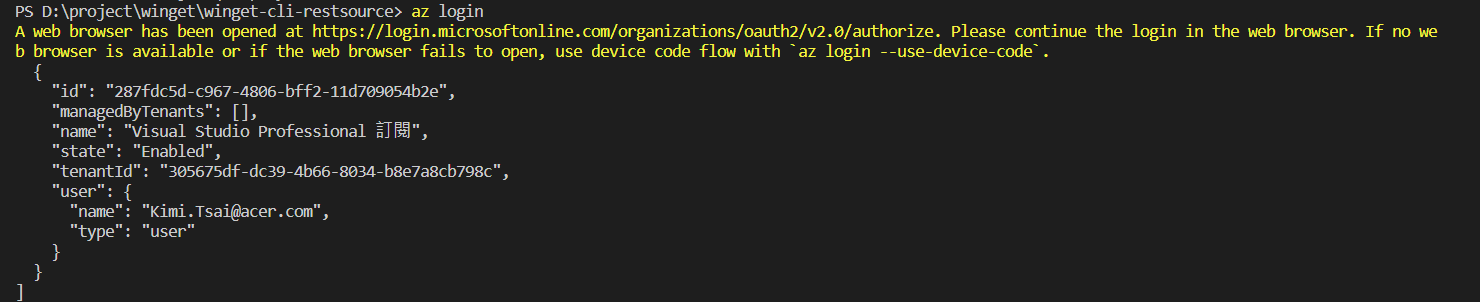
Login Azure
az login
Azure functions tool commands
func init
func new
func start &> ~/output.txt &

# 測試 : 輸出是 6300
curl "http://localhost:7071/api/simple-interest?principal=5000&rate=.035&term=36" -w "\n"
Create and execute Azure functions
func init建立新的函式專案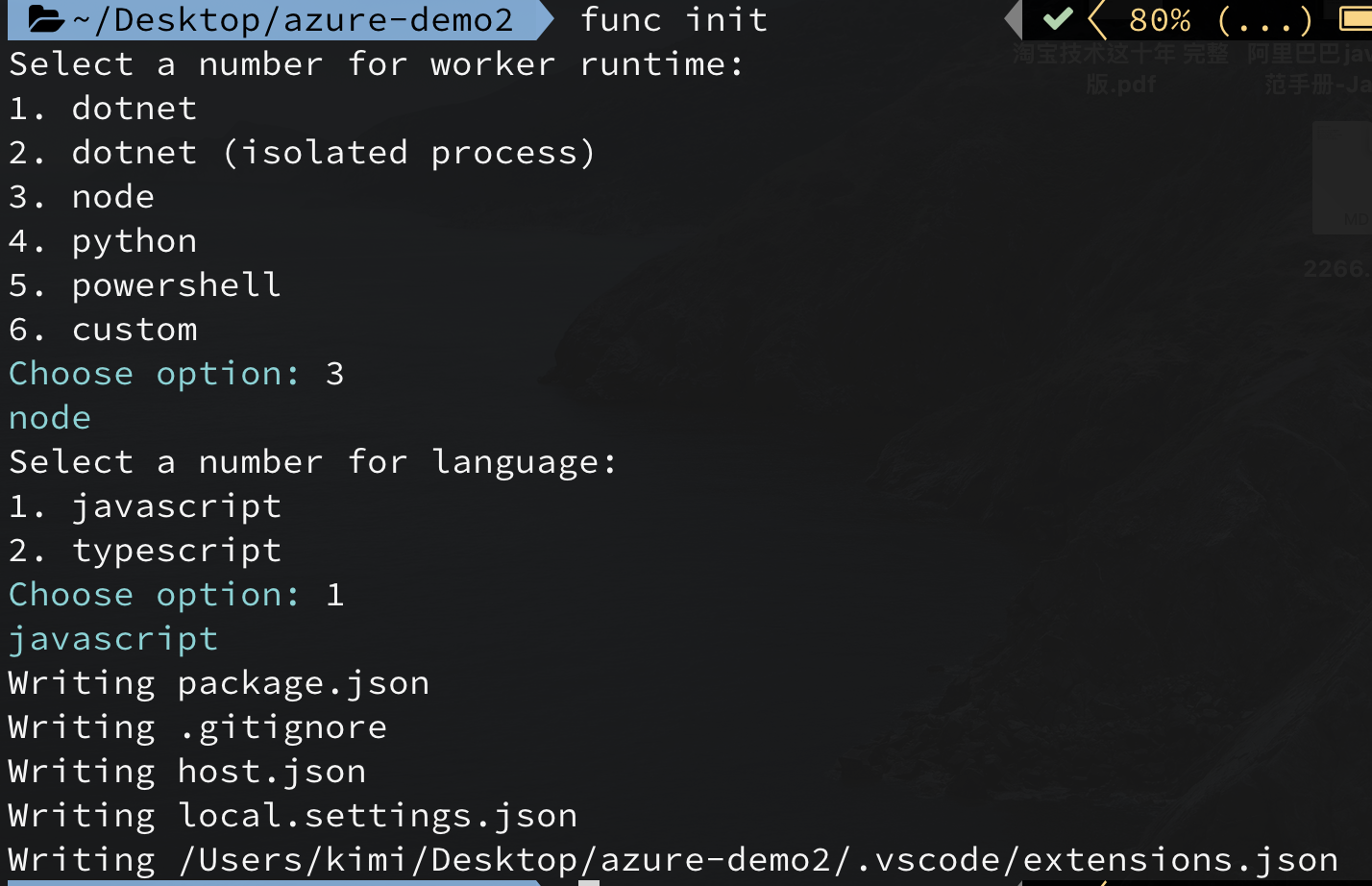
func new在函式專案資料夾中執行 func new 將會建立新的函式,以及開始進行開發所需的所有檔案。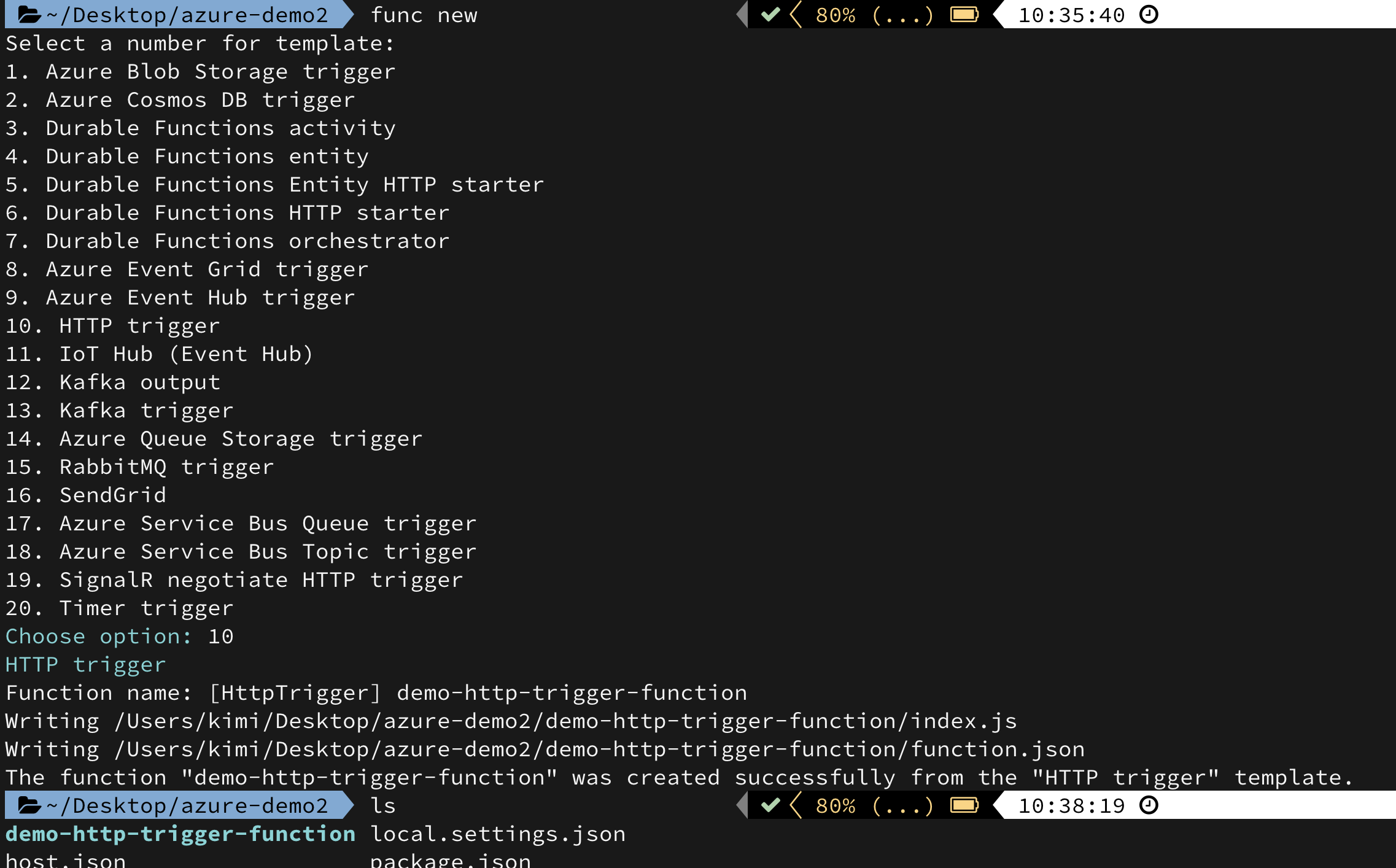
func start本地測試
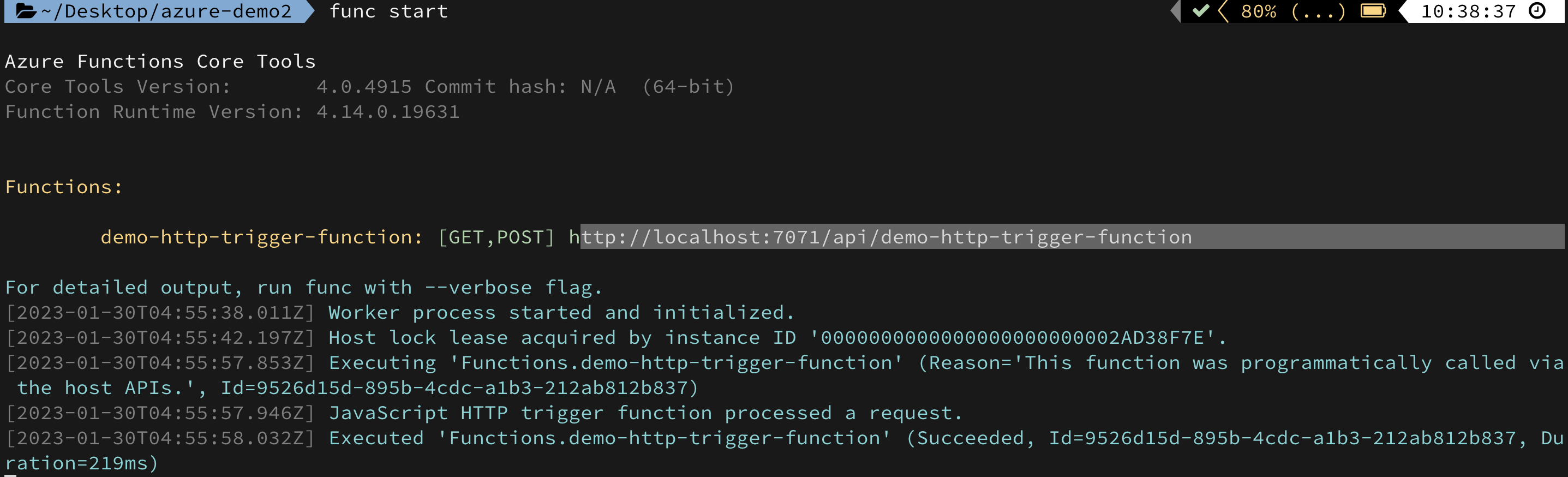

- 去 https://portal.azure.com/#home 新增 functions
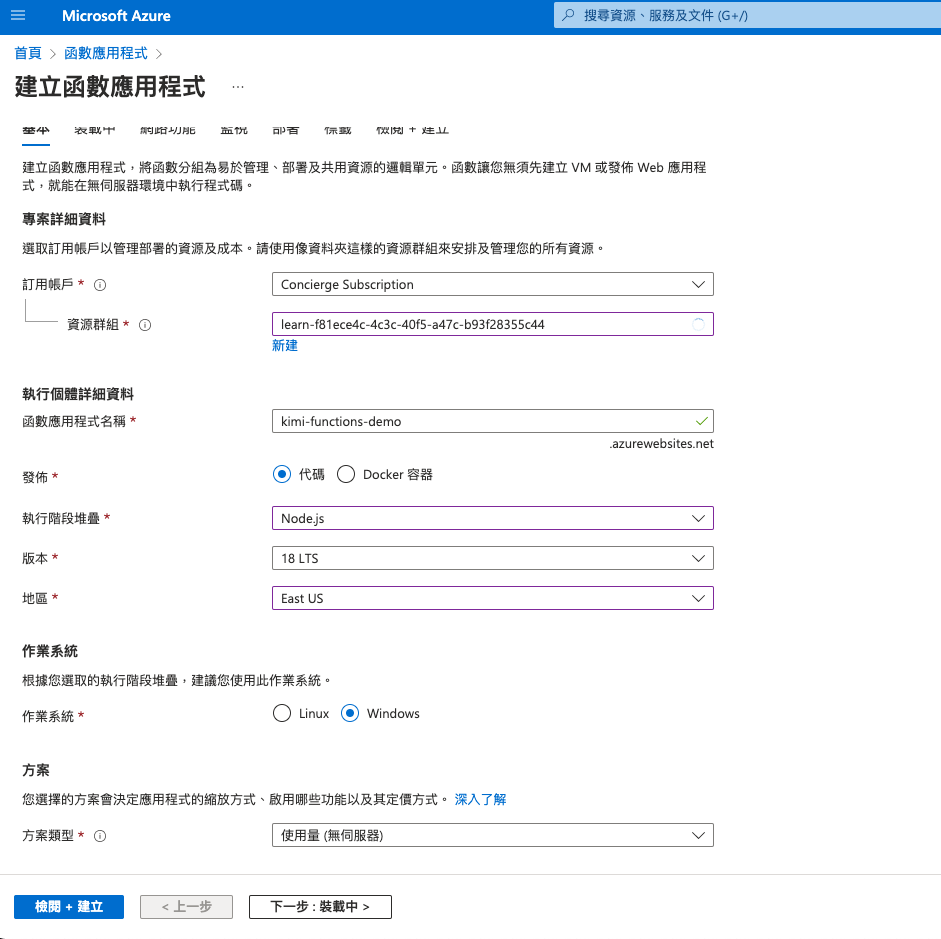
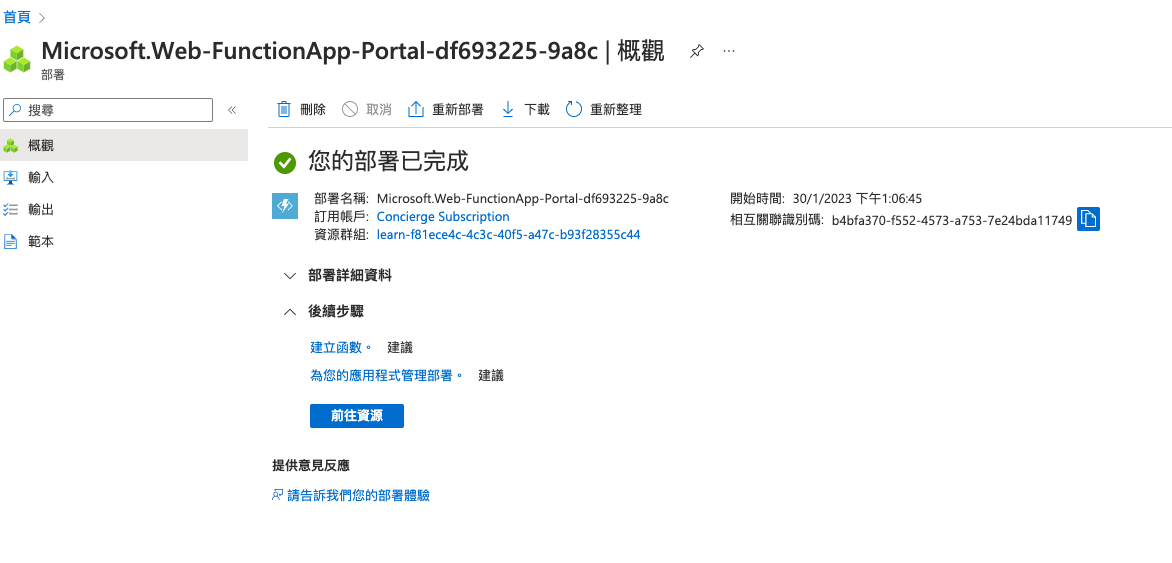
func azure functionapp publishDeploy to Azure 可以使用 Azure Sandbox
沙箱僅可用於完成 Microsoft Learn 上的訓練。 禁止用於其他任何用途,否則可能導致永久無法存取沙箱
去 https://portal.azure.com/#home 開始使用 functions
# sample
func azure functionapp publish <app_name>

# You're trying to use v3 tooling to publish to a non-v3 function app (FUNCTIONS_EXTENSION_VERSION is set to ~4).
# You can pass --force to force update the app to v3, or downgrade to v1 or v2 tooling for publishing.
# https://github.com/Azure/azure-functions-core-tools/issues/1770
func azure functionapp publish <app_name> --javascript

# demo
func azure functionapp publish kimi-functions-demo --javascript
<app_name> 是目標函式應用程式在 Azure 中的名稱,而不是您的專案資料夾名稱,兩者可能會不同
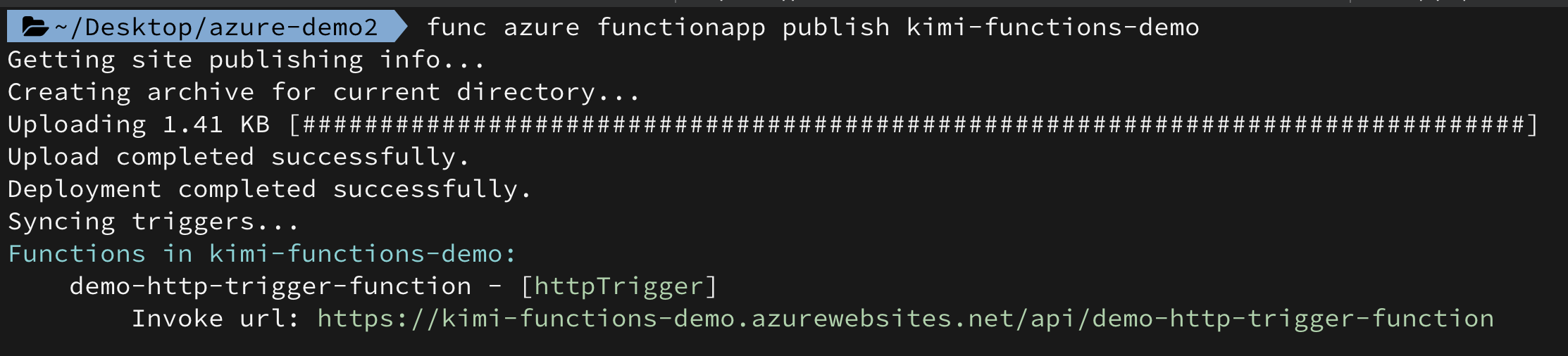
code可從函數應用程式->應用程式金鑰找到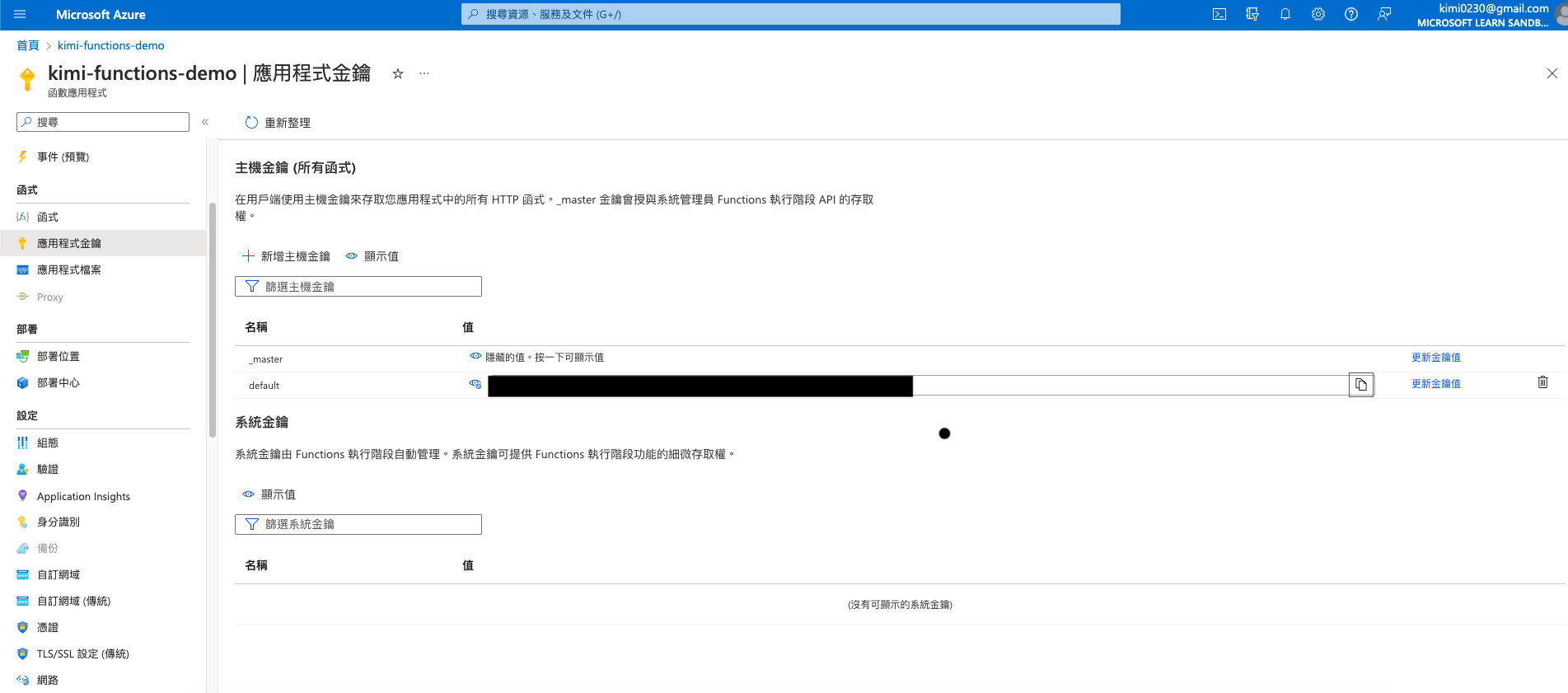
Azure functions configuration
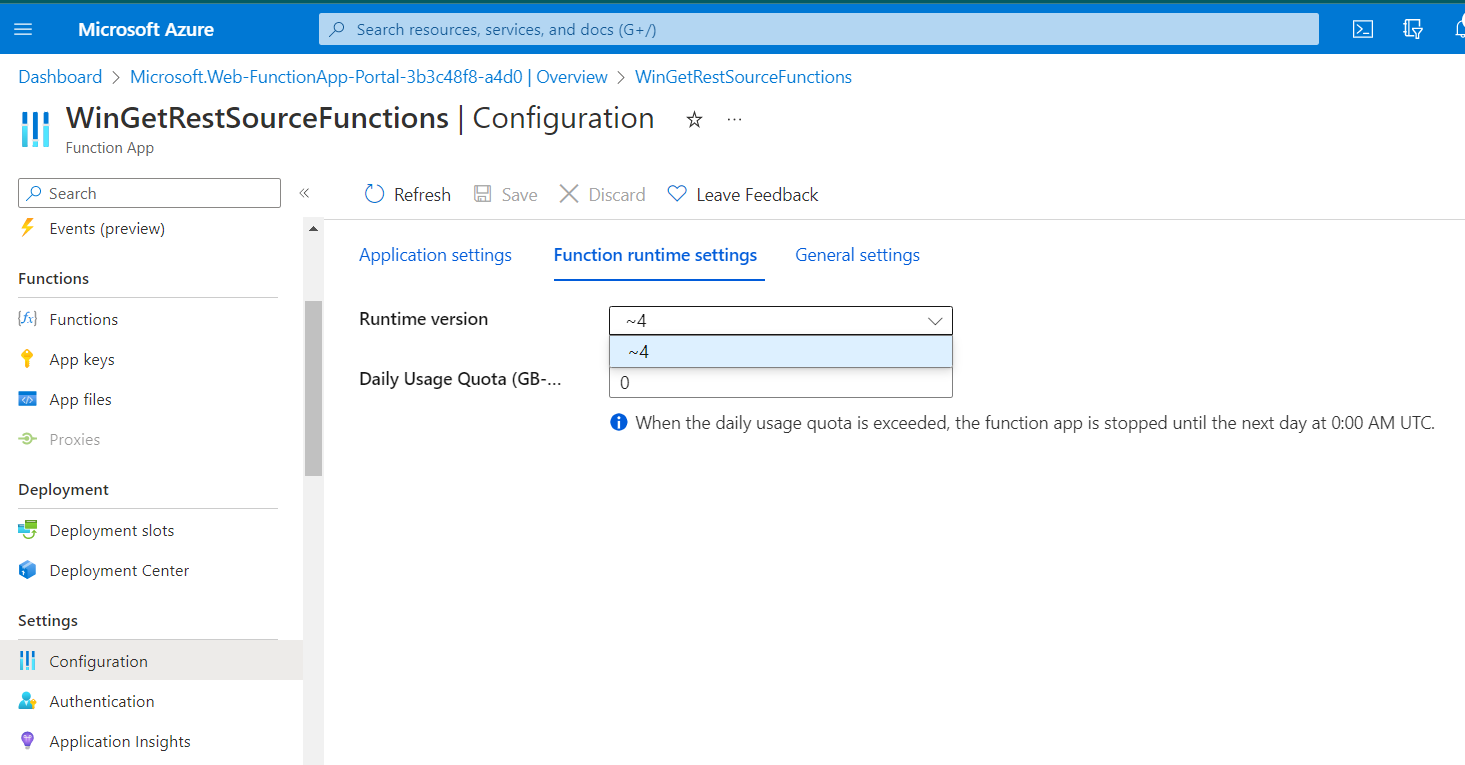
Call API
curl https://kimi-functions-demo.azurewebsites.net/api/demo-http-trigger-function?code=wqT6RcBf6nnX16QcljN2OKOXGyD77YkaLYQQlGvdviB0AzFuqwZiAA==
More Example
module.exports = async function(context, req) {
  // Try to grab principal, rate, and term from the query string and
  // parse them as numbers
  const principal = parseFloat(req.query.principal);
  const rate = parseFloat(req.query.rate);
  const term = parseFloat(req.query.term);

  if ([principal, rate, term].some(isNaN)) {
    // If any empty or non-numeric values, return a 400 response with an
    // error message
    context.res = {
      status: 400,
      body: "Please supply principal, rate and term in the query string"
    };
  } else {
    // Otherwise set the response body to the product of the three values
    context.res = { body: principal * rate * term };
  }
};
將 &principal=5000&rate=.035&term=36 新增至 URL 結尾處 (請務必保留 code 參數)
curl "https://kimi-functions-demo.azurewebsites.net/api/simple-interest?code=<your code>&principal=5000&rate=.035&term=36" -w "\n"

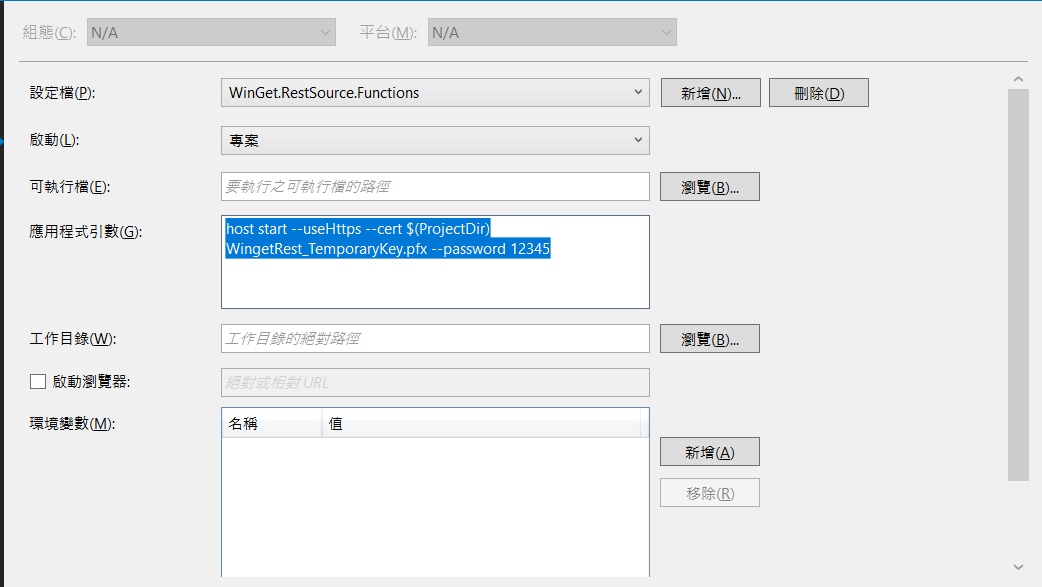
Local Run microsoft/winget-cli-restsource
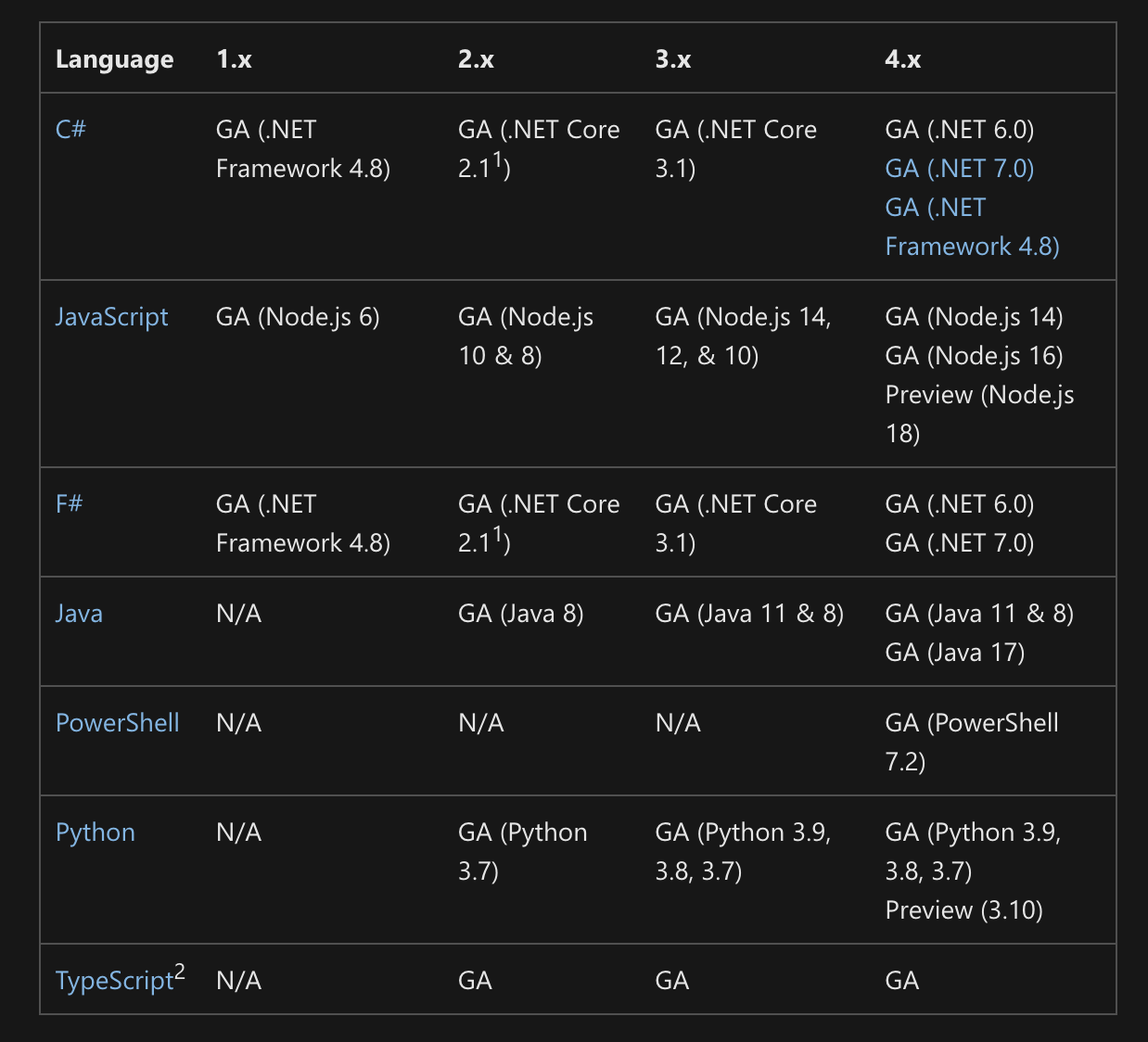
將應用程式從 Azure Functions 3.x 版移轉至 4.x 版
從 2022 年 12 月 13 日開始,在 Azure Functions 執行時間 2.x 版和 3.x 版上執行的函式應用程式已達到延長支援的 EOL) (生命週期結束。

在期限之後,函式應用程式可以從 CI/CD DevOps 管線建立和部署,而且所有現有的應用程式都會繼續執行,而不會發生重大變更。 不過,您的應用程式不符合新功能、安全性修補程式和效能優化資格。 將相關服務支援升級至 4.x 版後,您會收到相關服務支援。

這些執行階段版本的終止支援是因為這些舊版執行階段版本所需的 .NET Core 3.1 支援終止。 此需求會影響所有Azure Functions執行時間語言 (,例如 .NET、Python、node.js、PowerShell 等) 。
Issues you may meet when upgrading Azure function app to V4